Photoshop Elements Tutorials for Beginners & Hobbyists
Friendly, step-by-step guides to help you edit, organize, and enjoy your photos with Adobe Photoshop Elements 2026. No jargon. No pressure.
Learn Photoshop Elements — One Tutorial at a Time
Find beginner-friendly lessons to master layers, selections, retouching, and more at your own pace.
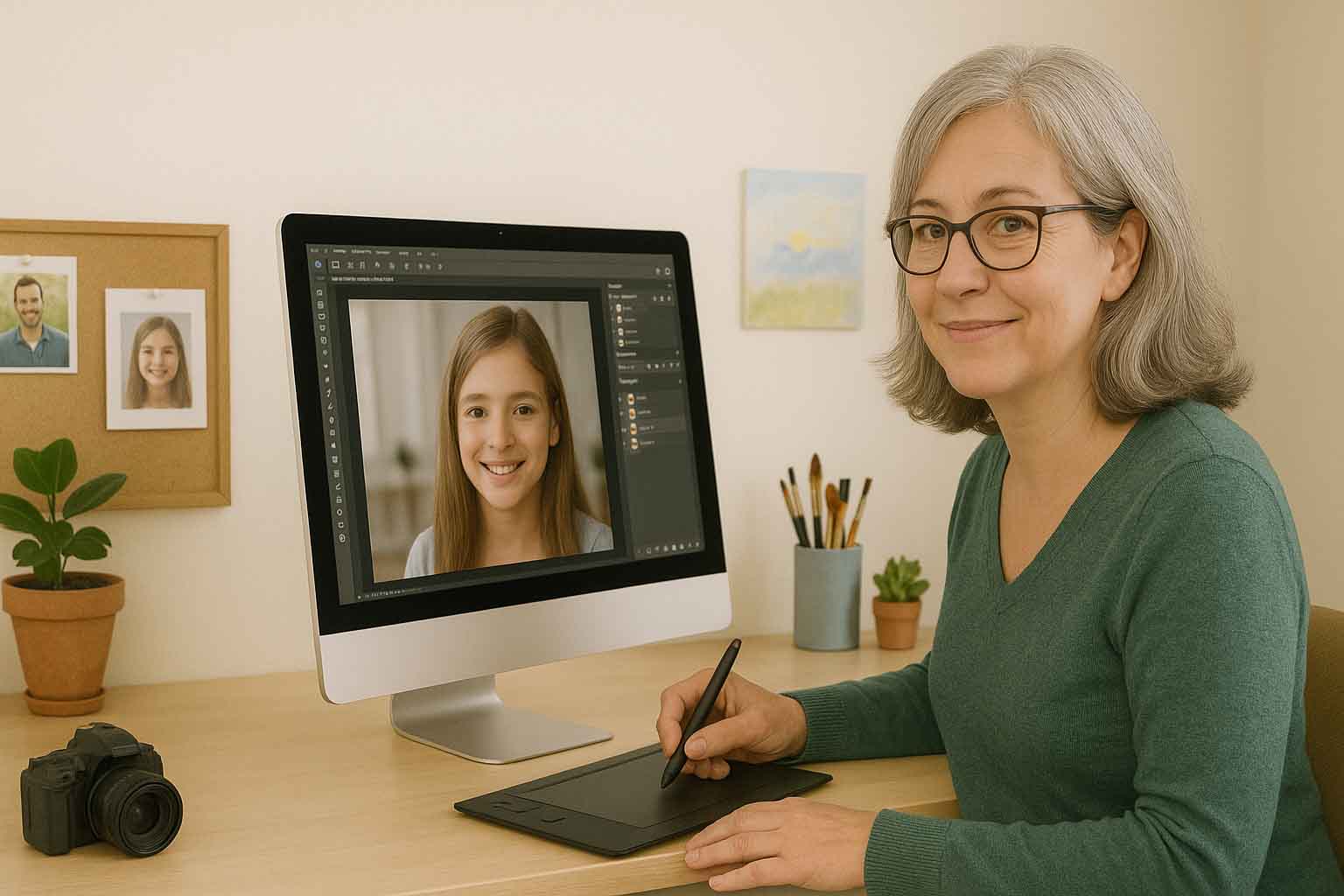
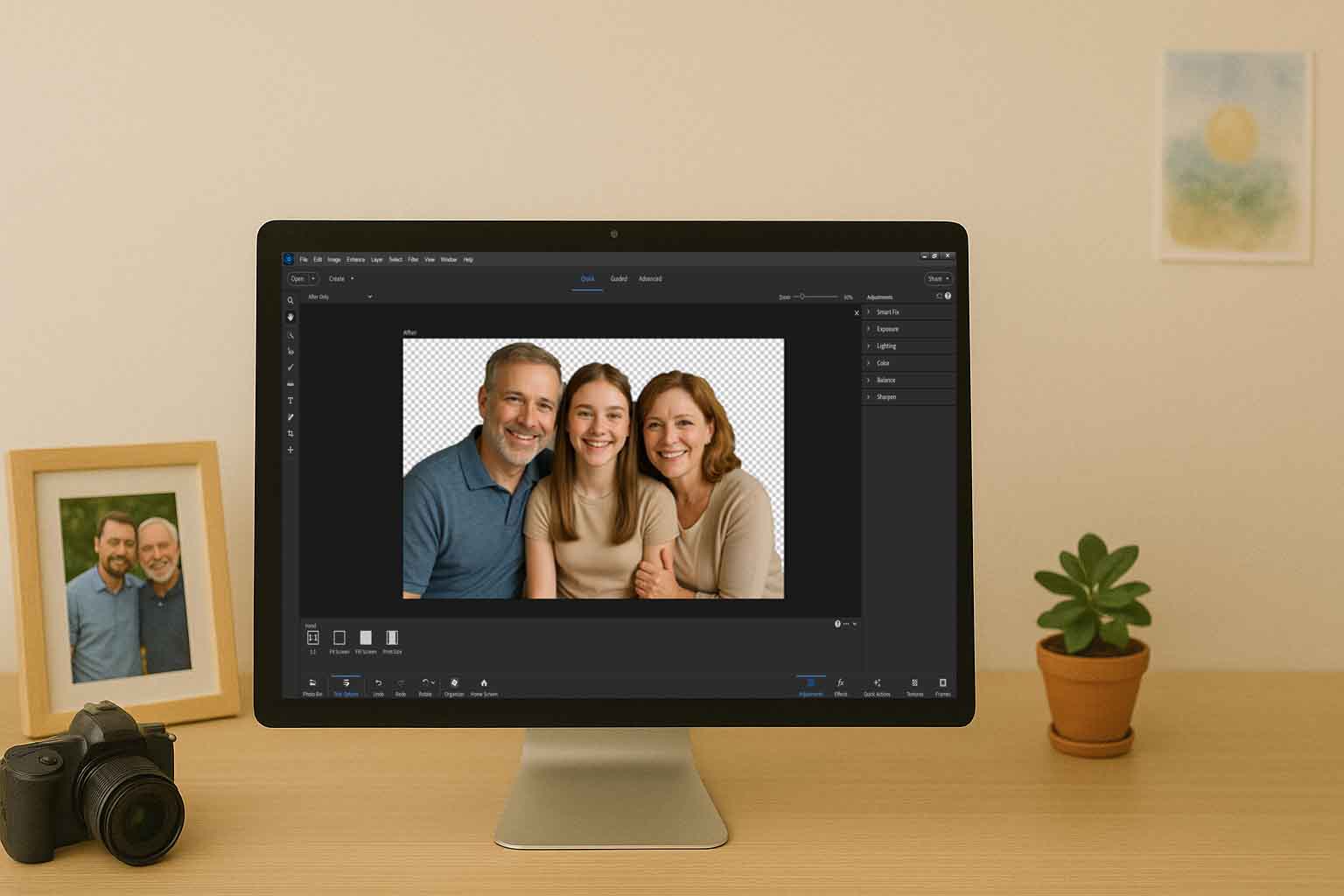

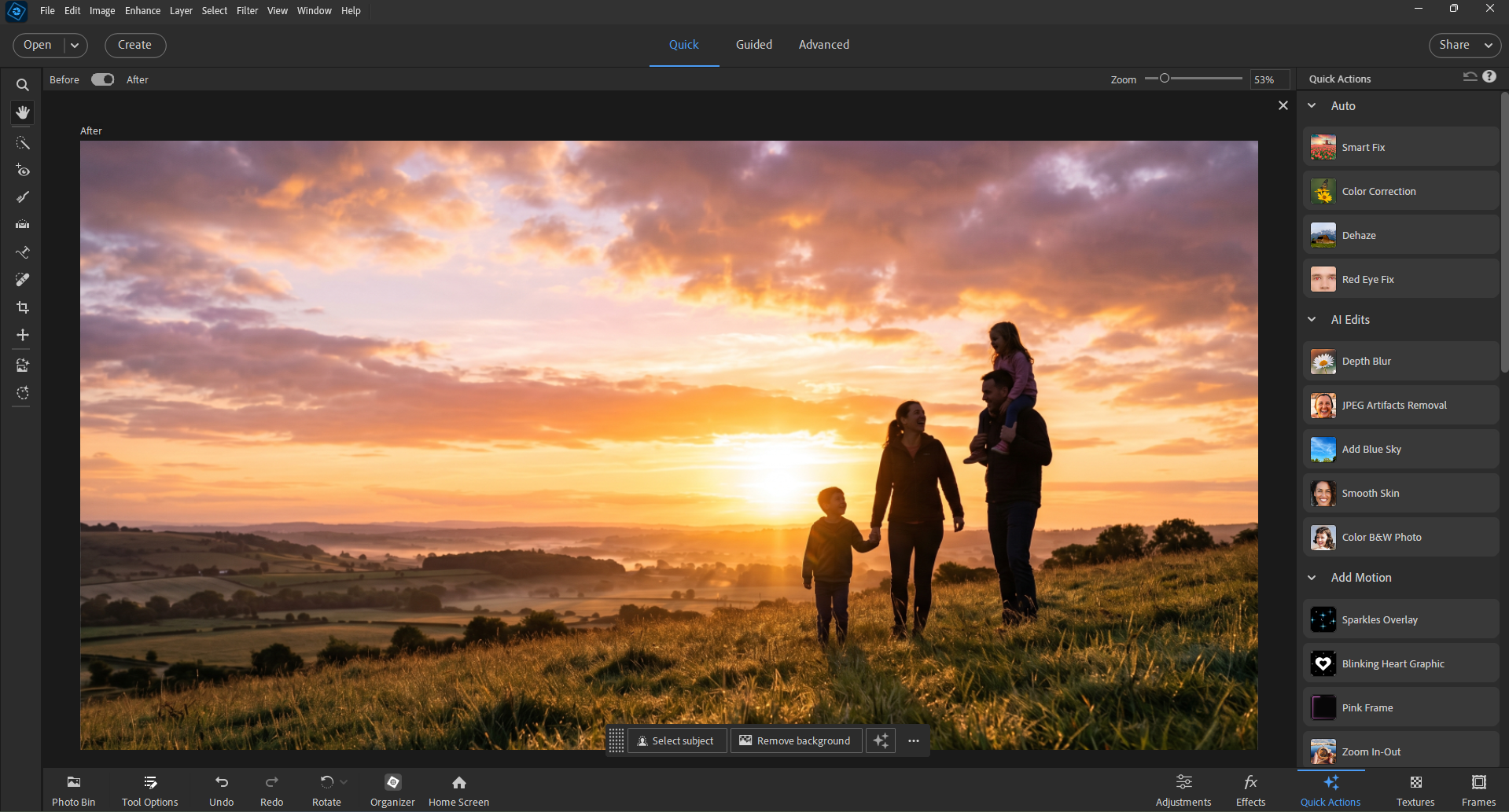
See Photoshop Elements in Action — Before You Edit a Single Photo
Click through the three editing modes — Quick, Guided, and Advanced — and see exactly what each one looks like inside the real app.
Meet Your AI Photo Assistant
Get instant help with our GPT-powered Photoshop Elements Assistant. Ask questions, get step-by-step guidance, and learn at your own pace.
- 24/7 instant answers to your questions
- Step-by-step guidance for any editing task
- Personalized learning experience
- Easy-to-understand explanations
"How do I remove red-eye from my photos?"
"I'll guide you through the red-eye removal process: 1. Open your photo in Quick Edit mode 2. Select the Red Eye Removal tool 3. Click directly on the red eyes Would you like me to explain each step in more detail?"
Latest Tutorials
Watch our latest video tutorials on Photoshop Elements
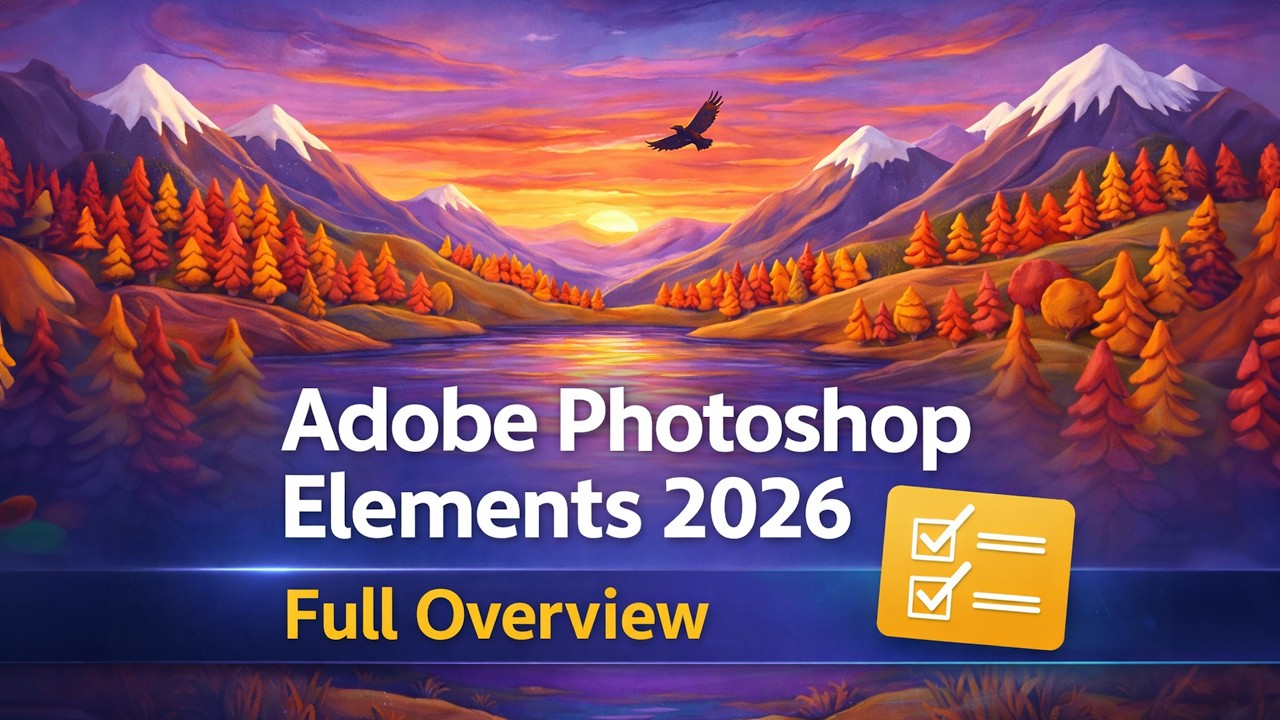
New PSE 2026 Features
Discover the latest features and updates in Photoshop Elements 2026
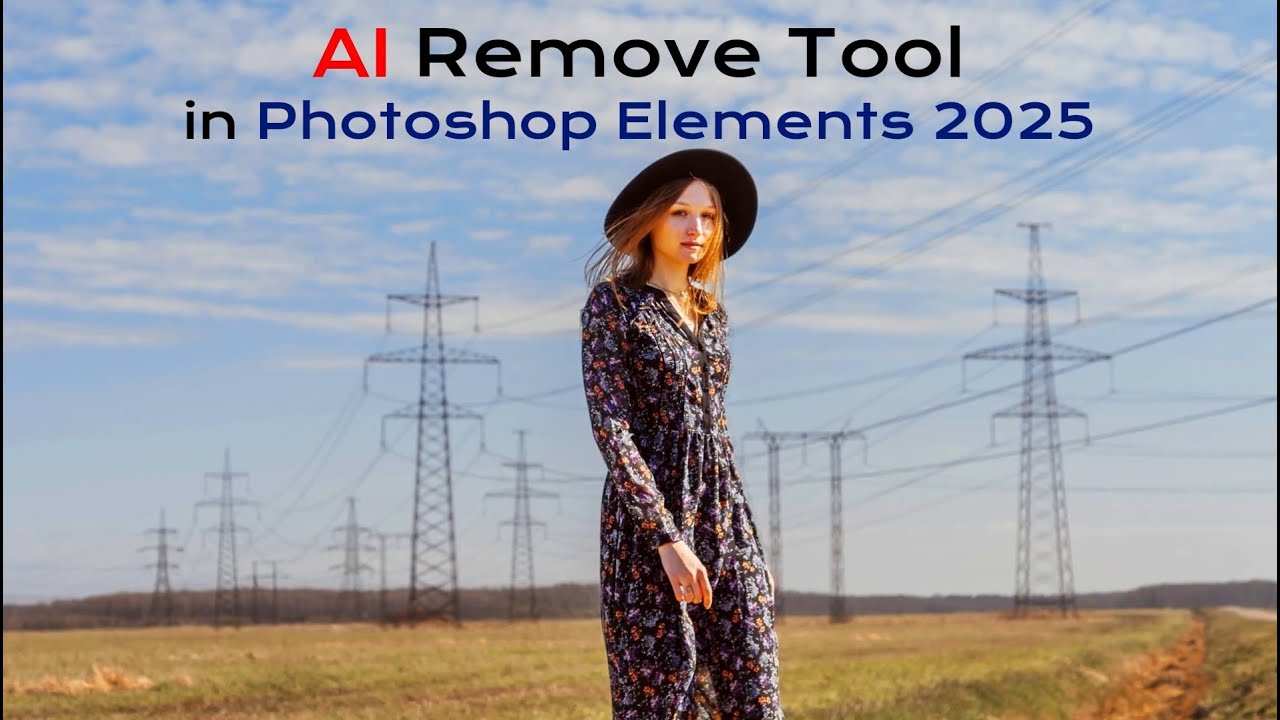
AI Remove Tool
Master the new AI Remove tool for perfect object removal
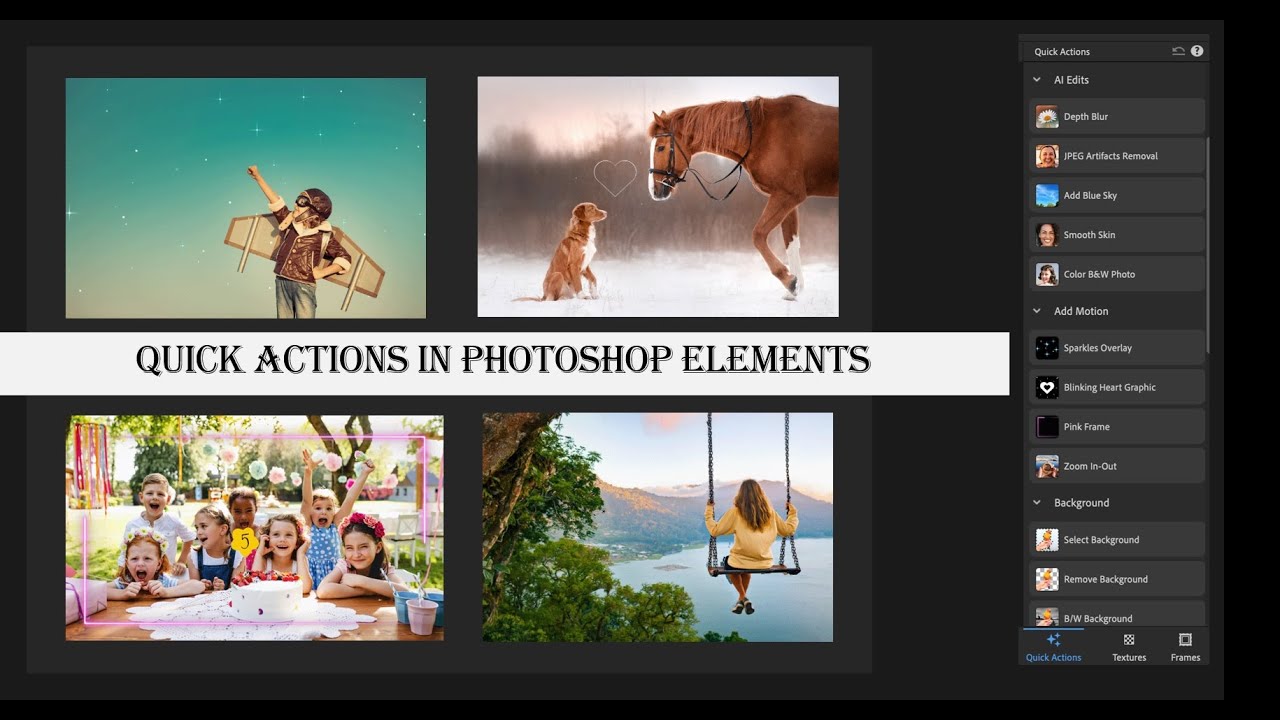
AI-powered Quick Actions
Learn how to use the new AI-powered quick actions in PSE 2025
Make Photo Editing Fun and Simple
Photoshop Elements makes photo editing accessible for everyone, no matter your experience level.
Guided Edits
Follow simple step-by-step instructions to create amazing photo effects with just a few clicks.
Easy Selection Tools
Precisely select objects in your photos with intelligent selection tools designed for beginners.
Photo Organization
Keep your photos organized with smart albums and facial recognition technology.
One-Click Fixes
Instantly improve lighting, color, and more with simple one-click adjustments.
Creative Projects
Create photo books, calendars, cards and more with easy-to-use templates.
Share with Family
Easily share your edited photos with friends and family through email or social media.
Join Our Community
Connect with fellow Photoshop Elements enthusiasts
YouTube Channel
Watch weekly tutorials, tips, and techniques to enhance your photo editing skills.
Subscribe NowDiscord Community
Join our active Discord community to chat, share work, and get help in real-time.
Join DiscordFacebook Community
Connect with other PSE users, share tips, and showcase your work on Facebook.
Join FacebookStay Updated with PSE Tips & Tutorials
Weekly photo editing tips, tutorials, and creative inspiration delivered to your inbox. Free. No spam.